
What is an Anti-Waitlist Page?
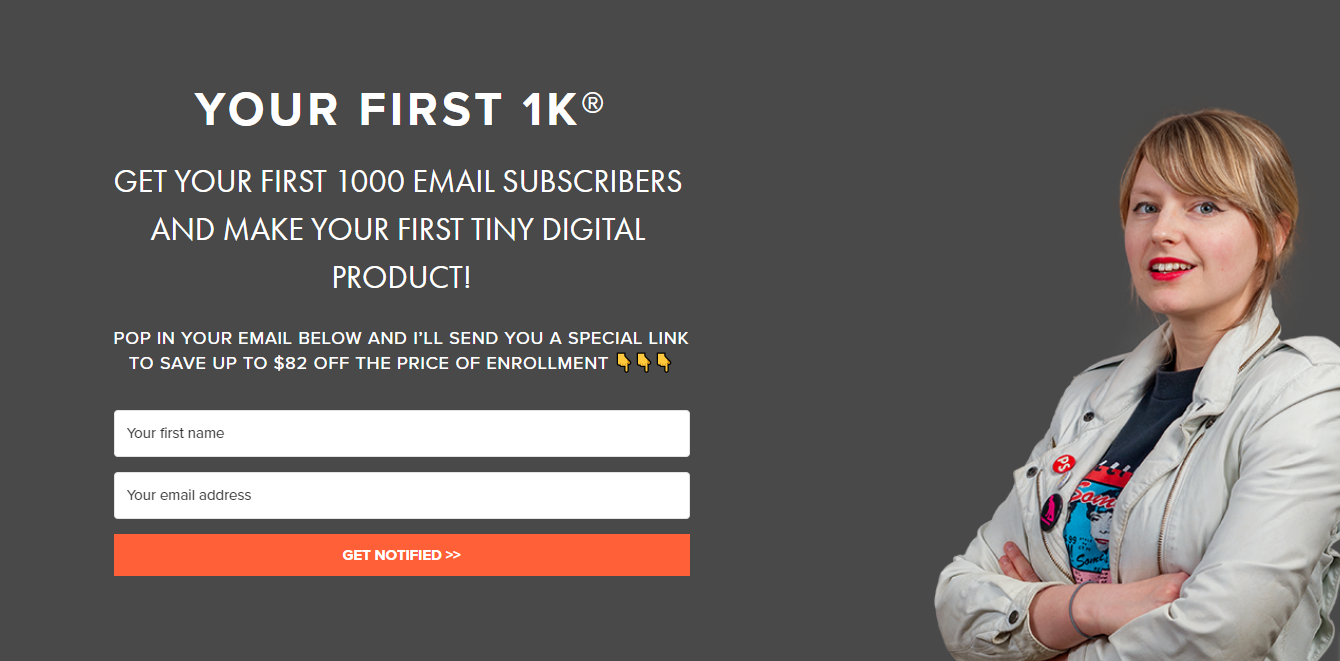
An anti-waitlist page is another “front door” to your webinar funnel, but unlike an opt-in where the incentive is to register for the free masterclass/training/workshop, the call-to-action is the opportunity to enroll in your course for the special evergreen funnel price ($XX off regular price) when they submit their email.
Think of it as another entrypoint into your Webinar Funnel. It’s designed for people who are super interested in your offer specifically and do not want to wait to enroll – hence why we call it the “anti-waitlist”.
It essentially is another webinar funnel registration page in terms of the logistics of how it works and the tech, but the copy and messaging of the page is all focused on your course instead of a free training. So it’s more directly related to your course, for people who may not opt in for a webinar but want to buy now.
It works like a waitlist page, but when they optin, they are immediately shown the Hybrid Replay/Enrollment page with the timer on it – rather than them having to ‘wait’. 👇
*The Anti-Waitlist entrypoint is completely optional! It is not required. Some of our clients like to have this anti-waitlist page linked in their Navigation as a page on their website for people who are curious about their course. It’s a more direct entrypoint than the Webinar Registration page opt in.
Why Should I create an Anti-Waitlist Page?
We know that some people’s buying personas are ‘hares’ and some are ‘turtles’ and in the ecosystem of our funnels it’s important to cater to both of these personas.
An anti-waitlist is for the hares who are ready to enroll as soon as they find you – especially if they locate your course outside of a traditional funnel, or launch period. The Anti-Waitlist page is especially handy to have for when someone emails you or DMs you and says “I heard about your course, how can I enroll now?” and they may need a direct way to enroll. This is the closest thing to sending them the direct checkout link – because we always want them to get into some sort of funnel so the emails, webinar, and sales page, etc can do the selling for you.
When Do I Need One?
You can explore testing an anti-waitlist entry point and having this on your website too, as a more explicit/obvious entrypoint to your course.
If you have tons of potential customers asking when your course is opening next, having this Anti-Waitlist to send them to is the easiest way to give them a link to enroll (while still collecting their email information for following up).
If before your launch you had a real waitlist that people were signing up to – you can now transition that with a few tweaks into an Anti-Waitlist.
The Anti-waitlist page is an alternative entrypoint to your webinar funnel. It does not replace your Evergreen Webinar Registration Page.
It can be set up as a second entrypoint for your webinar funnel (especially if you want that super obvious “buy now” opt-in for people who may not want the webinar, and don’t realize that’s how to find out about your course).
Essentially, you’d be creating a set up where someone opts in directly for the Anti-Waitlist and gets put directly into the Webinar Funnel sequence (they are sent the Hybrid Replay/Sales Page, get 5 days of emails, and have 5 days to enroll at the special webinar price, etc).
Technically speaking, you would have 2 different opt in forms linking to the same exact automation/sequence in your email set up.
How to Craft Your Anti-Waitlist Page
Your anti-waitlist page can be housed on your course domain, on your website, or whatever page builder you prefer and use.
The page layout is a simplified, abbreviated version of your sales page.
- We recommend you choose 3-5 of your favorite, most compelling sections of your sales page to use as the basis of your Anti-Waitlist page. You can duplicate those sections to use on your Anti-Waitlist page.
- Add in a bunch of testimonials throughout the page, highlighting your favorites.
- Add in the Opt-in box / form in at least 2 places on your page – at the top, and at the bottom.
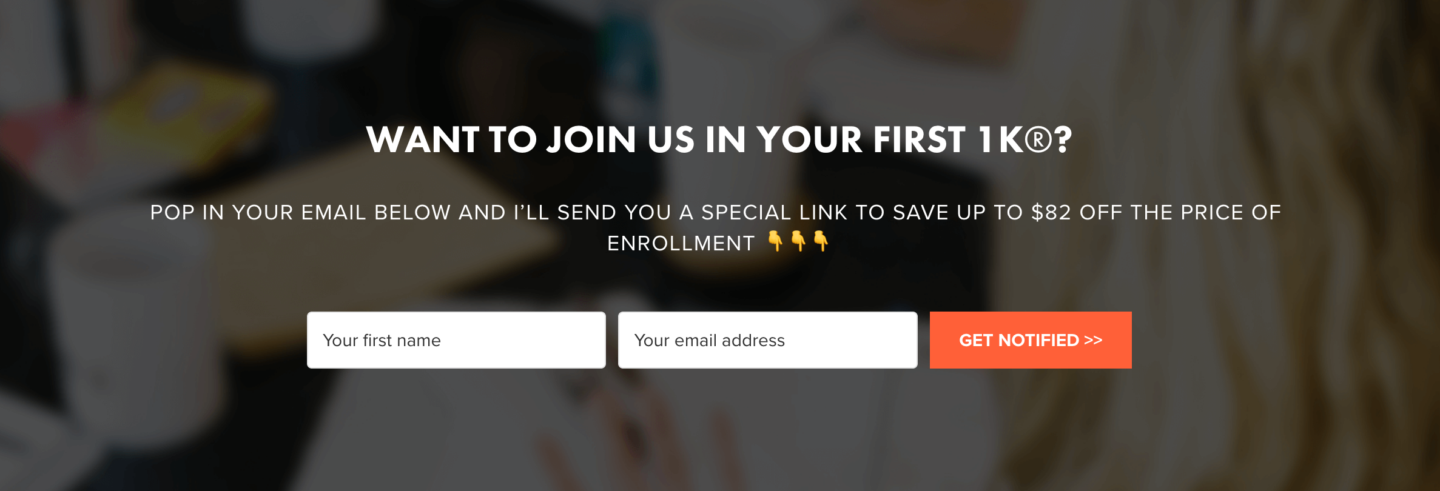
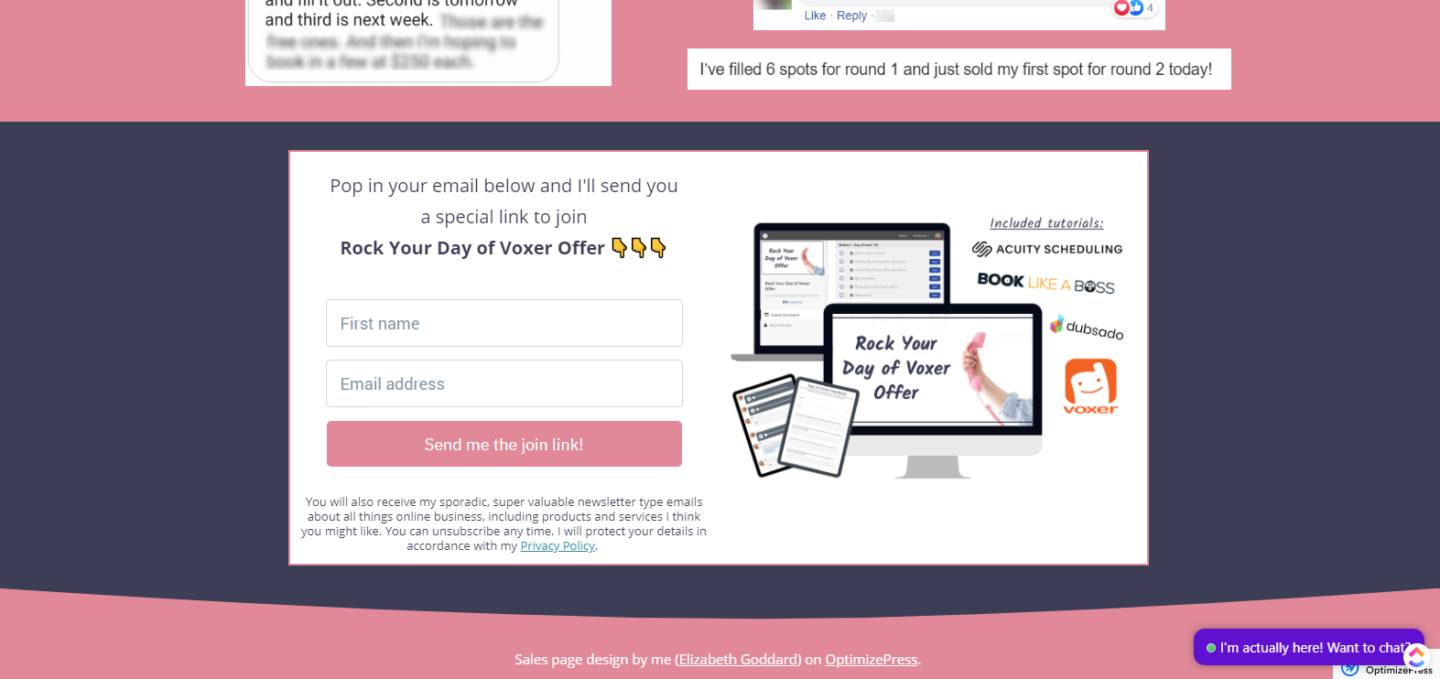
- Don’t forget the text near the opt in form, something to the effect of “POP IN YOUR EMAIL BELOW AND I’LL SEND YOU A SPECIAL LINK TO SAVE UP TO $XX OFF THE REGULAR PRICE OF ENROLLMENT 👇👇👇”
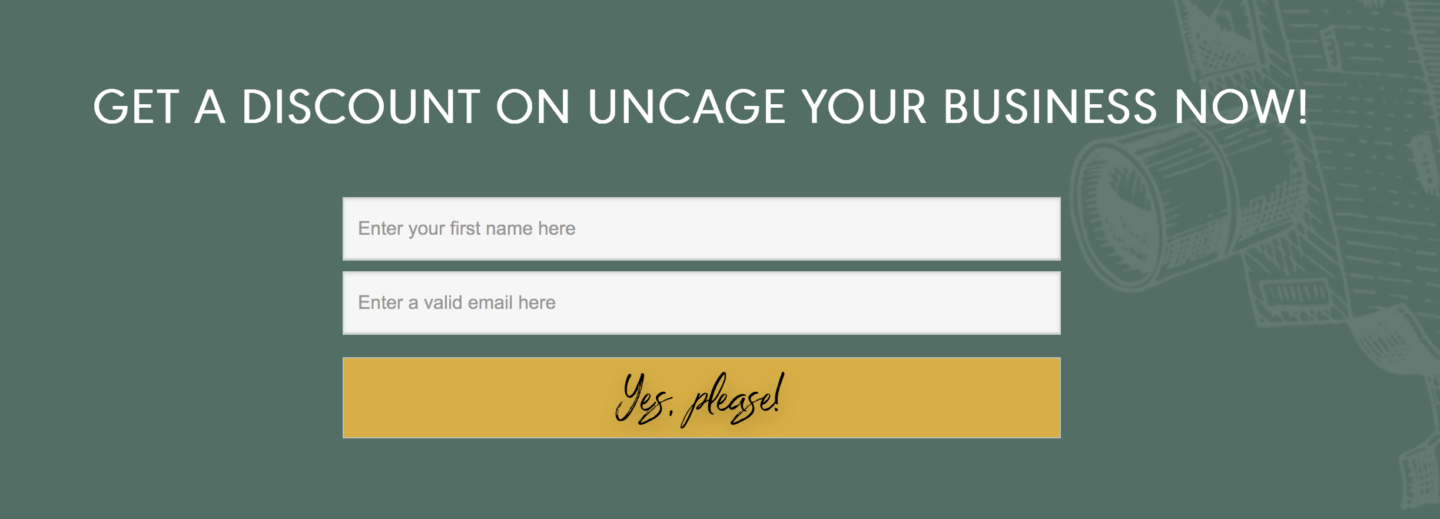
*The screenshot examples are cut short in order to fit on the pages here, but check out the links at the bottom to see full-size living examples. The Anti-Waitlist page is longer than a traditional opt-in page but shorter than a sales page – usually about 5-10 sections total.

Here’s how it flows for your potential customer:
Person signs up for “discount/enroll now for $XX off offer” opt in via your anti-waitlist page
↓
Is redirected to the Hybrid Replay/Enrollment page offer immediately (with the countdown timer)
↓
Triggers the opt in confirmation email asking for double opt-in
↓
They receive the 5-day email funnel sequence until they enroll.
Launching and your Anti-Waitlist Page
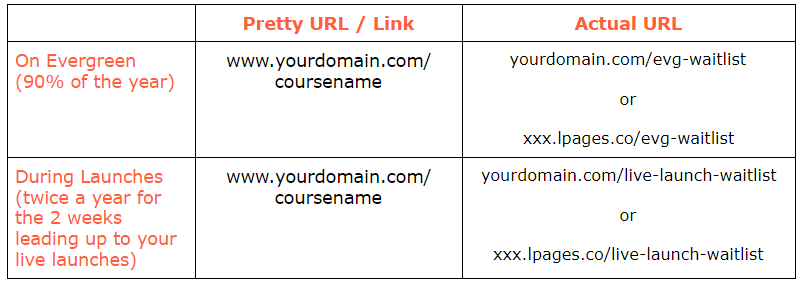
As with all of our funnel entry points, it’s important to use “pretty links” and URLs that are “redirectable” for different events and promos in your business.
Just like how we would have “yourdomain.com/webinar” be pointing to your EVERGREEN webinar funnel most of the year, but then 2x a year for 2 weeks each, we redirect “yourdomain.com/webinar” to your live launch webinar registration page 2 weeks before your live launch.
Think of it like directing traffic on train tracks! The same link can be redirected to point to different pages depending on the most current, up to date, accurate promotion.
If you’re getting close to your next live launch and want to build a real waitlist 2 weeks out, you can temporarily redirect “yourdomain.com/waitlist” away from your Anti-Waitlist page, and to an actual ‘waitlist’ page two weeks prior to opening your cart for your launch.
*In our case, “yourdomain.com/waitlist” can also be “yourdomain.com/coursename” etc.
That way you never have to go into anything and switch out a bunch of links or swapping out email opt in forms on pages, you just turn the “yourdomain.com/waitlist” link from pointing from one page to another depending on the season/event/promotion.
After your launch, you just point “yourdomain.com/waitlist” back to your anti-waitlist page.
Here’s an example of one of our Anti-Waitlist pages:

Below is Elizabeth Goddard’s “Rock Your Day of Voxer” anti waitlist opt in:
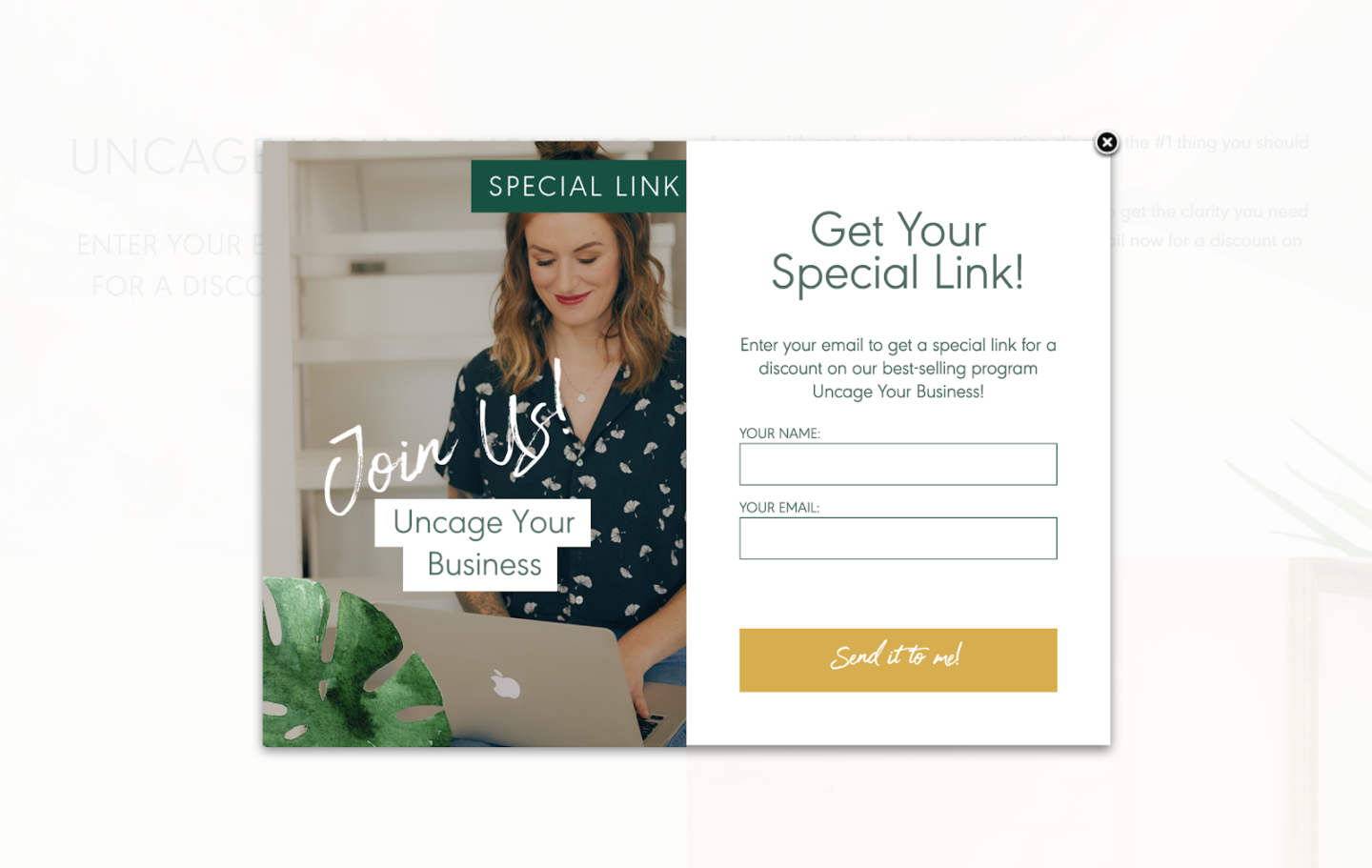
Below is Becca Tracey’s “Uncage Your Business” anti-waitlist opt in.
Below is Dr. Susanna Kemper’s anti-waitlist opt-in.
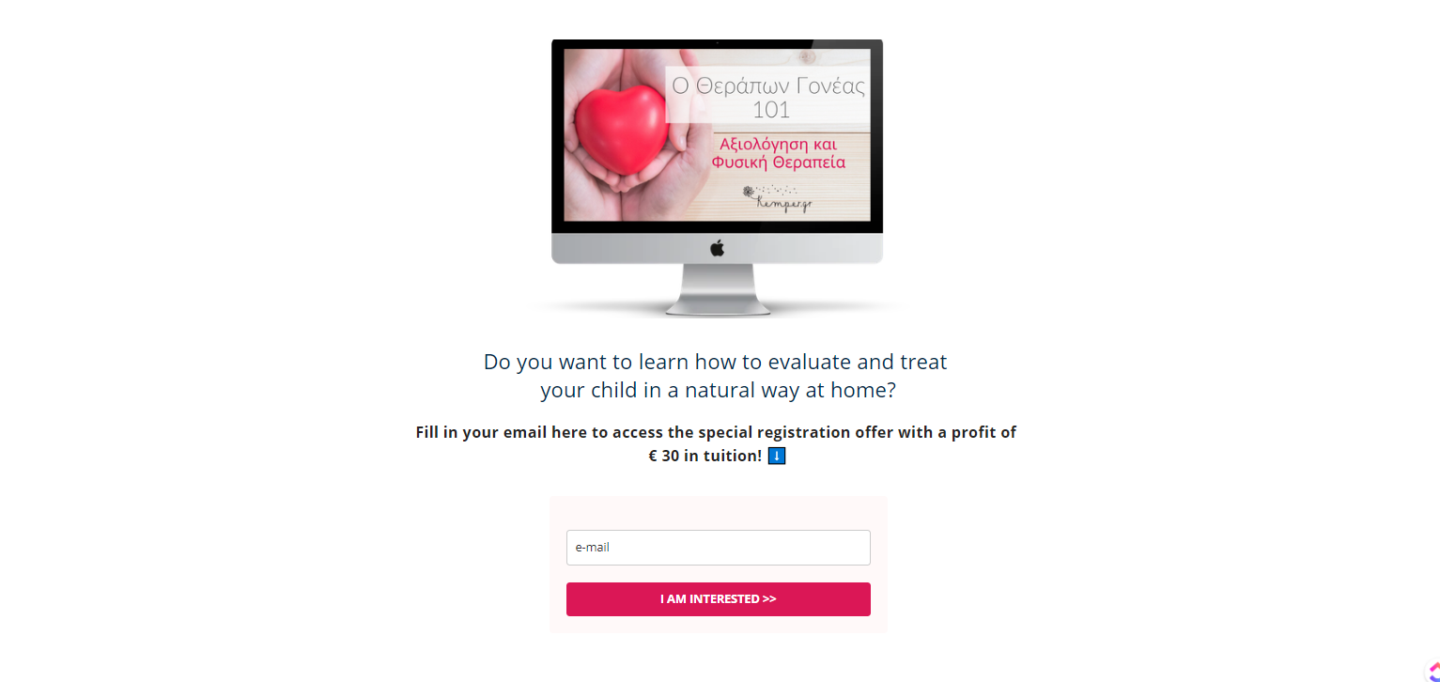
*The screenshot examples are cut short/cropped in order to fit on the pages here, but check out the links in the lesson to see full-size living examples. The Anti-Waitlist page is longer than a traditional opt-in page but shorter than a sales page – usually about 5-10 sections total.
Here are some living examples of Anti-Waitlist pages in action: